




Playzini Mobile App
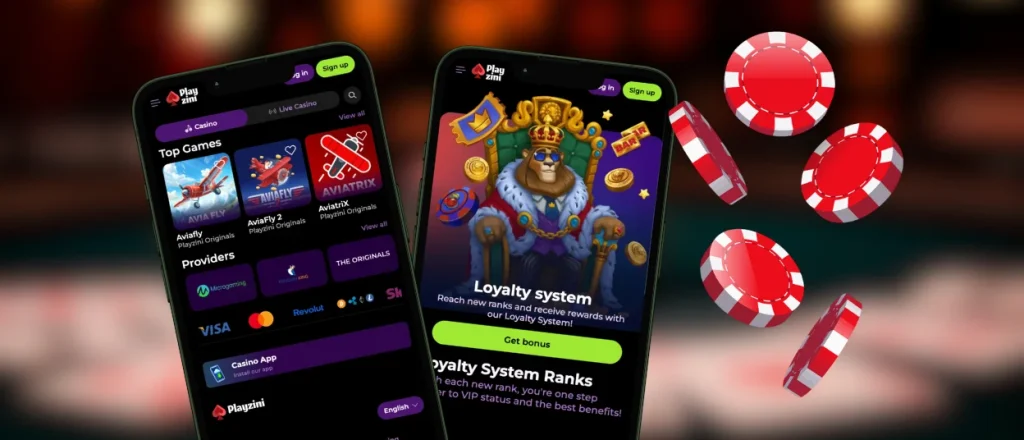
Our Playzini app provides mobile account access on smartphones and tablets. This software functions as a PWA. Setup stays lightweight, and browser technology handles update tasks through the official platform. Members access titles, account tools and mobile betting features through an interface that fits smaller screens.
The Playzini Casino app keeps the lobby and payment section inside one mobile space. Members open their account from a home screen shortcut instead of installing a heavy package. This format keeps the mobile casino practical for daily mobile gambling, short sessions or balance checks. The browser-based structure supports stable access across common mobile and desktop hardware.



Why Choose the Mobile Version?
The Playzini app focuses on faster entry, compact navigation and smoother touchscreen use. Members spend less time moving through browser tabs and reach the lobby from a saved shortcut.
- Complete shortcut access. The Playzini app opens from the home screen and returns members to the lobby without extra browser steps.
- Touch-optimized navigation. Buttons, menus and game controls fit handheld displays. This makes mobile slots and live tables easy to operate.
- Light installation format. The platform functions as a progressive web app. The PWA occupies minimal memory and receives updates through the browser.
- Rapid access. Members open the lobby or mobile betting section directly from the home screen shortcut.
- Device synchronization. Our servers keep balance details and recent activity updated across mobile or desktop sessions.
How the Playzini App Looks and Feels
The Playzini app maintains the desktop platform logic. Members recognize the layout immediately. The search bar identifies specific titles and removes long scrolling across pages.
The interface focuses on touchscreen interaction. Buttons react fast. Menus open without lag. Every page adjusts to the display size. The Playzini app keeps movement between categories, live tables and payment tools direct during regular sessions.
The layout keeps screen movement predictable. Main buttons stay close to the thumb area, category changes require fewer taps and page transitions remain clear. This structure keeps everyday actions efficient on tablets or smartphones.
Mobile Application for Android & iOS
The Playzini app works through Android and iOS browsers. The Playzini download app process starts on the Playzini website. Members complete setup from our main platform instead of searching through app stores. Android and iOS hardware use a similar setup path. Both systems maintain the same account structure after the process ends.
| Feature | Android | iOS |
| Installation | Open the site in Chrome. Access the browser menu. Select Add to Home Screen. Confirm the shortcut. | Open the site in Safari. Hit the Share icon. Choose Add to Home Screen. Confirm the shortcut. |
| Launching | Start the Playzini app from the home screen or the application drawer. | Open the Play Zini app from the home screen like a mobile utility. |
| Updates | The PWA build loads current platform files during every connection. | Safari loads the latest platform version through the browser. |
| Storage | The Android app setup uses minimal space because it avoids heavy installation files. | The iOS app setup keeps storage impact low because the platform runs through Safari. |
| Downloading | Members use our official browser setup instead of managing separate files. | Installation runs through Safari instead of an external App Store package. |
| Screen Behavior | The shortcut opens in a compact standalone window after launch. | Safari opens the shortcut from the home screen with a mobile-first layout. |
| Session Flow | Members return to the same lobby state after reopening the shortcut. | Members continue through the same account structure after reopening the shortcut. |
The table separates setup, launch, storage and feature details. Members compare both systems quickly. The Playzini app download path stays simple because our website creates the shortcut and keeps the mobile setup connected to the main account balance.
Playzini APK
The APK guidance follows the browser-based PWA model. Members set up the shortcut from our official domain. Every member uses the current software version through the browser. This format keeps installation easy and removes manual work with an APK file.
The Play Zini app format suits members who move between devices during the day. Our servers connect the same profile data, balance details and history across hardware. The account stays synchronized after each session. This structure remains consistent across mobile and desktop access points.
Playzini Desktop Experience
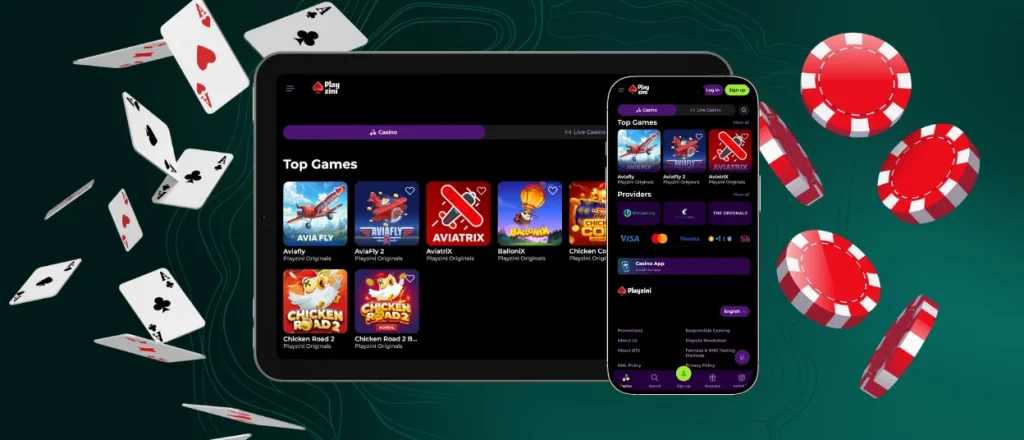
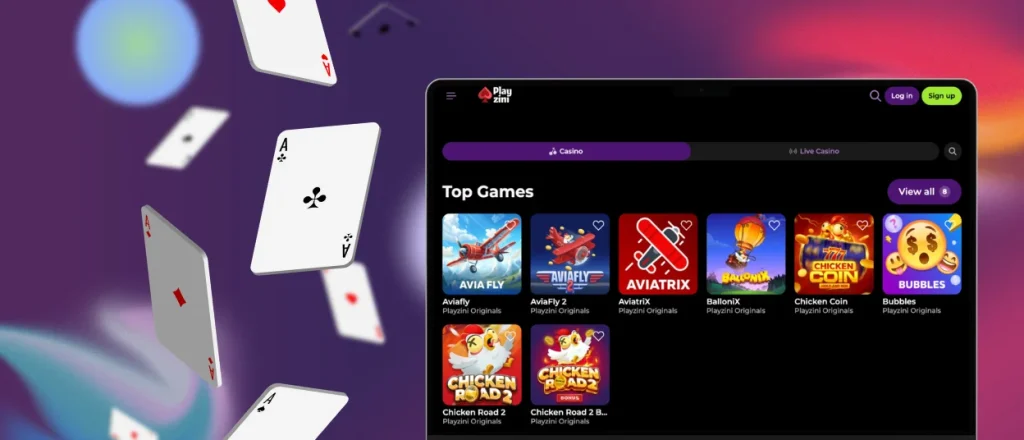
Our desktop version provides a wide workspace for browsing the game lobby. High-resolution screens give menus, filters and payment pages more room during long sessions.
The desktop version supports the Playzini app structure through the same browser-based setup. Everything, including recent activity, stays synchronized. Members move between desktop and mobile access without starting over. Mobile setup takes a short time from the official site for members who prefer phone access later.
FAQ
Does the Playzini app include customer support?
The mobile version has support options identical to our desktop platform. Members open the help section to start a live chat session or use email support without leaving the account area.
How is the mobile app different from the desktop version?
The mobile version keeps all the casino features in a touchscreen layout. A desktop setup offers more screen space for long sessions. Handheld hardware provides faster access from any supported location.
Does the app send push notifications?
The app sends updates about rewards and important account events after members allow notifications on their device. Members manage these alerts through device settings.


